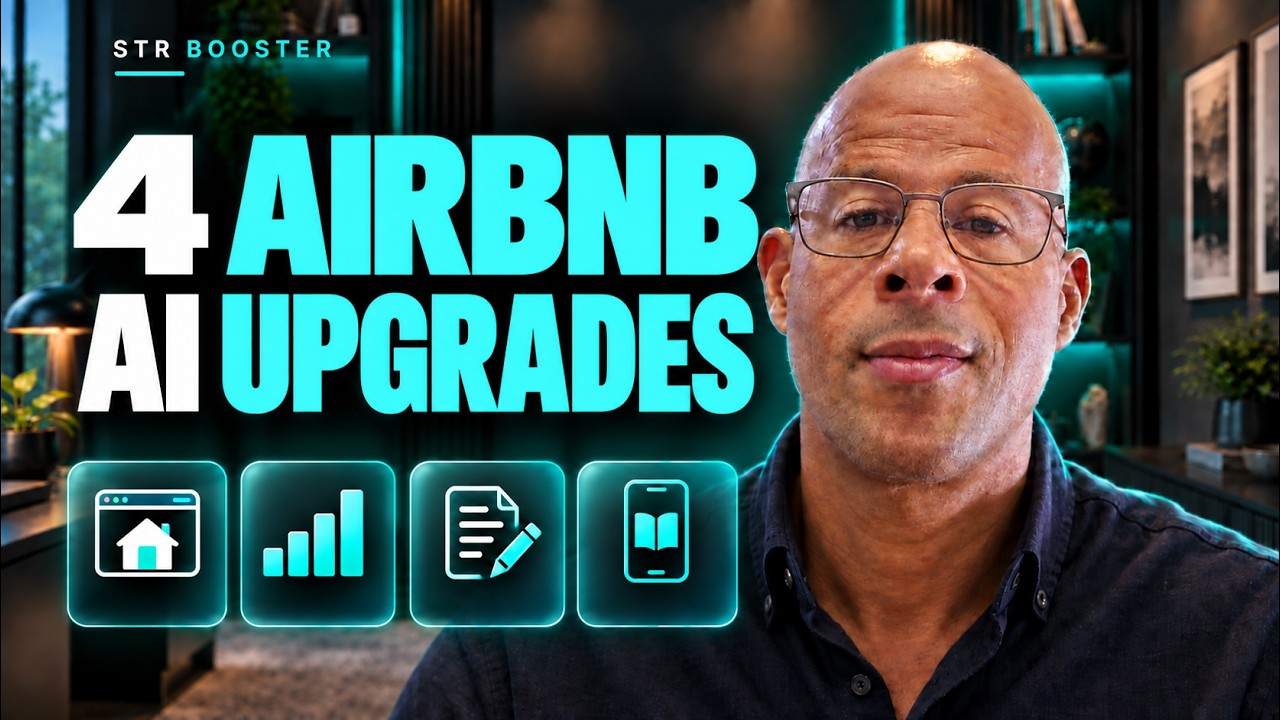
ChatGPT can help you build useful tools for your rental business: a clearer website, a performance dashboard, a repeatable listing process, and a digital guest guide.
In the video below, I demonstrate all four using ChatGPT Astra. This tutorial shows you how to turn those ideas into practical projects, with a prompt and a review step for each.
Choose one useful project, provide accurate property information, and check the finished work before using it with guests.
Use the tools available in your account, as explained in OpenAI’s ChatGPT web guide.
Watch the walkthrough
In this tutorial
1 Build a website around your guest and your property
In the video, I improve a basic property website using another site as inspiration. Your own guest, brand, and property should determine the finished experience.
Before asking ChatGPT to build anything, prepare:
- Your primary guest: who the stay suits and why they travel.
- Your strongest reasons to book: supported by accurate photos and property facts.
- Your brand assets: logo, colours, fonts, and the tone you want.
- Your booking route: the supported widget or booking link from your property management system.
- Your policies: the current information guests need before committing.
Explain which design qualities you like in a reference site, such as uncluttered layouts or simple navigation. Apply those principles using your own wording and assets.
Copy this website prompt
Check the result: On your phone, find the sleeping arrangements, cancellation terms, and total price for a sample stay. Follow the booking button and confirm it opens the correct property. Test the booking engine using its supported test procedure before accepting real reservations.
OpenAI’s Sites documentation describes website building and hosting. Check the options available in your account before choosing your hosting and domain setup.
Keep live availability, rates, and reservation confirmation connected to a reliable booking system. An attractive calendar mockup still needs a working connection to the real inventory.
2 Turn monthly Airbnb files into a useful dashboard
A dashboard should help you decide what to investigate.
In the video, I download monthly performance files from Airbnb Insights and ask ChatGPT to build a dashboard that can show the portfolio or an individual property.
If that monthly report is available in your account, download the periods you want to compare. Keep the original files unchanged and label each one by month.
Airbnb also provides earnings exports. Those contain financial information and should not be treated as a substitute for conversion data. Ask ChatGPT to inspect the actual columns before deciding which charts it can build.
Start with three questions:
- Which properties improved or declined over the selected period?
- Which metric changed enough to deserve investigation?
- Does the change appear across the portfolio or only in one listing?
Copy this dashboard prompt
Check the result: Select one property and one month, then reconcile the displayed values with the original file. Check a missing month and confirm the dashboard shows a gap rather than a false zero.
Be clear about the time basis too: booking activity, stay dates, and payout dates can tell different stories. Keep those measures separate unless you have defined how to connect them.
A dashboard built from uploaded files updates when you supply new files. Automatic refresh requires a separate, working data connection. Keep the dashboard private when it contains portfolio revenue or reservation information.
3 Create a repeatable Airbnb listing method
If you manage several properties, repeatedly asking “write me an Airbnb description” leaves too much to chance.
I use a consistent sequence: understand the guest, identify the property’s strongest relevant advantages, write the opening, explain the details, and check every claim.
Build a reference pack with confirmed property facts, current photographs, guest reviews, your preferred writing style, and examples of copy you have approved. State the practical limitations as clearly as the attractions.
For example, a mountain retreat may suit couples seeking a quiet break. Reviews mentioning the view and private hot tub can support that hypothesis. Steep stairs or the need for a car still belong in the copy if they affect the stay.
Copy this listing workflow prompt
Check the result: Compare the first draft with your reference pack. Verify amenities, distances, bed arrangements, guest capacity, and access restrictions. Read the opening aloud and remove phrases you would never say to a guest.
OpenAI’s skills guide explains how skills package instructions and resources into reusable workflows. Availability differs by surface. A saved instruction document and reference pack can still give you a consistent starting point where skill installation is unavailable.
Save the corrections you want applied next time.
4 Build a digital guest guide that answers real questions
In the video, I also explore creating a guest guide app. The useful starting point is the information guests repeatedly need during a stay.
Gather your existing arrival instructions, appliance guidance, parking details, house rules, local recommendations, and checkout steps. Group them around the guest’s journey.
| Guest moment | What the guide should make easy |
|---|---|
| Before arrival | Prepare for the trip and understand how arrival works |
| At the property | Find parking, use equipment, and get help |
| During the stay | Choose relevant local activities and services |
| Before departure | Follow clear checkout instructions |
Start with one property and a small, useful version. You can add more properties and integrations once the core guide works.
Copy this guest guide prompt
Check the result: Give someone unfamiliar with the property a phone and ask them to find three answers, such as where to park, how to use the heating, and what to do before checkout. Watch where they hesitate.
Test every contact button and map link. Confirm the guide explains what to do when something goes wrong, and keep a usable alternative for guests who cannot access it.
A connection to your property management system needs supported integration access, correct permissions, and a tested flow. Check which information the connection can actually read or update before relying on it.
Choose the project that removes your biggest obstacle
Choose your first project by the problem it can address.
| Your current problem | Start here |
|---|---|
| Your website does not explain the stay clearly | Website draft |
| You struggle to interpret monthly performance | Dashboard |
| Every listing rewrite starts from scratch | Reusable listing method |
| Guests repeatedly ask the same practical questions | Guest guide |
Define a useful first version, provide the source material, and test one complete task. Then decide whether to expand it.
Judge its value by the decision it improves, the work it simplifies, or the guest question it answers.

